Desktop command center for cold email campaigns
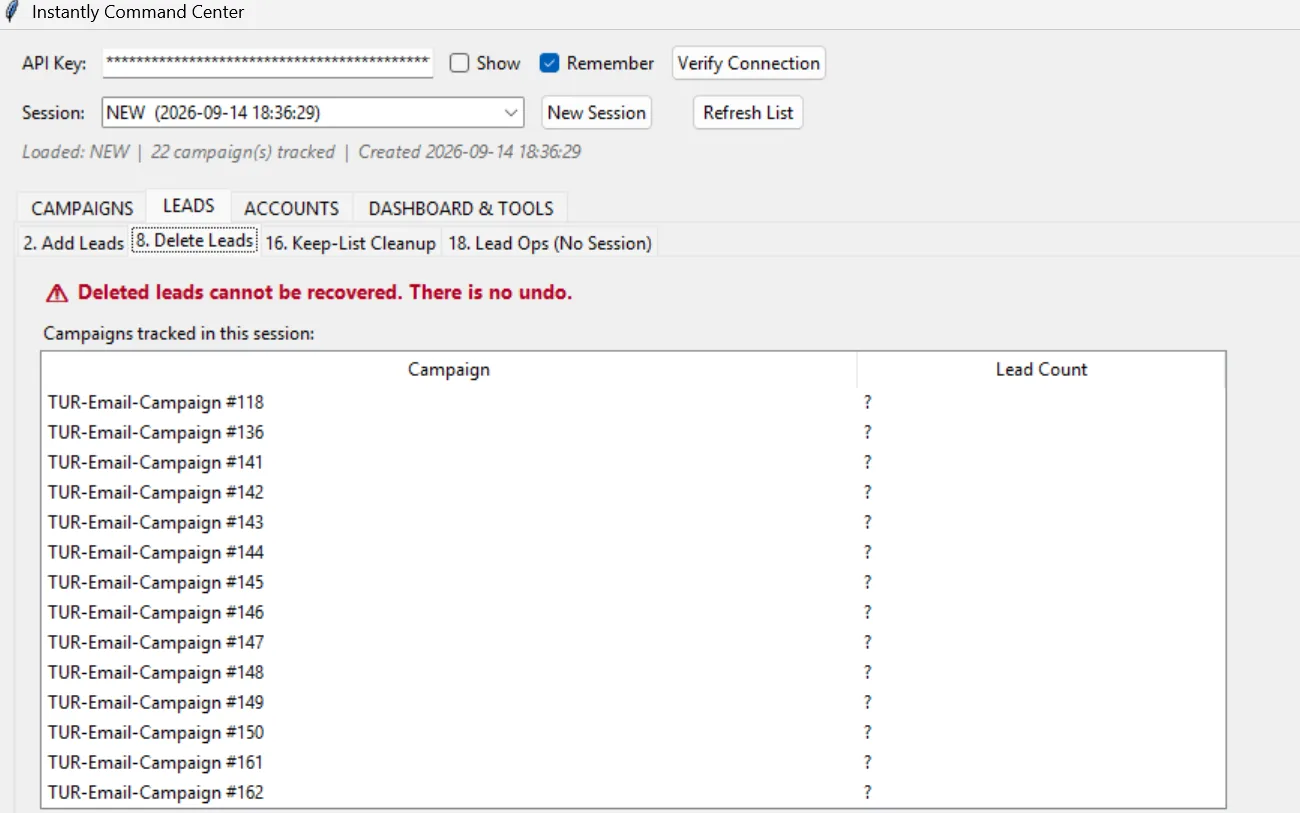
A desktop application we use to manage cold email campaigns, sending accounts and leads in bulk instead of jumping between dashboards.
This project is a concept we built to show what is possible – not a client engagement.
Starting point
Running outreach professionally means juggling many campaigns, sending inboxes and lead lists at once. The web interfaces of sending tools are built for single actions, not bulk changes. Routine tasks such as adding accounts or moving leads took far too long as a result. We wanted to streamline this work for our own projects.
Solution
We built a desktop command center that brings campaigns, accounts and leads together in one place. Changes can be applied to many entries at once. Overviews show the status of every campaign and inbox at a glance. The tool is an internal project, not client work.
Implementation
The application runs locally as a desktop program and talks to the APIs of the email platforms we use. Data is cached in a local database so lists and filters respond quickly. Bulk actions run in queues and log every step. The interface is designed for fast keyboard-driven work.
Workflow
How the data flows
- Command centerOne interface for everything
- CampaignsManaged in bulk
- Accounts & leadsBulk actions
- Platform APIsChanges synced
- OverviewStatus of every campaign
Screens
Screenshots & mockups
Projects
Similar projects
- ApifyMonitors online reviews
- Pricing tierMake.com calculates the offer
- Email outreachPersonalised message
Review management company, Germany · Review & reputation management
Automation suite for a review management company
Two Make.com automations: a pipeline from review monitoring to sales outreach, and a bill processing flow using Telegram, AI text recognition and Xero.
Review management company, Germany · Review & reputation management
Email marketing setup with MailWizz
A self-managed email marketing platform built on MailWizz, with SMTP delivery, full domain authentication, lists and campaigns.
Pharmacy, United Kingdom · Healthcare & pharmacy
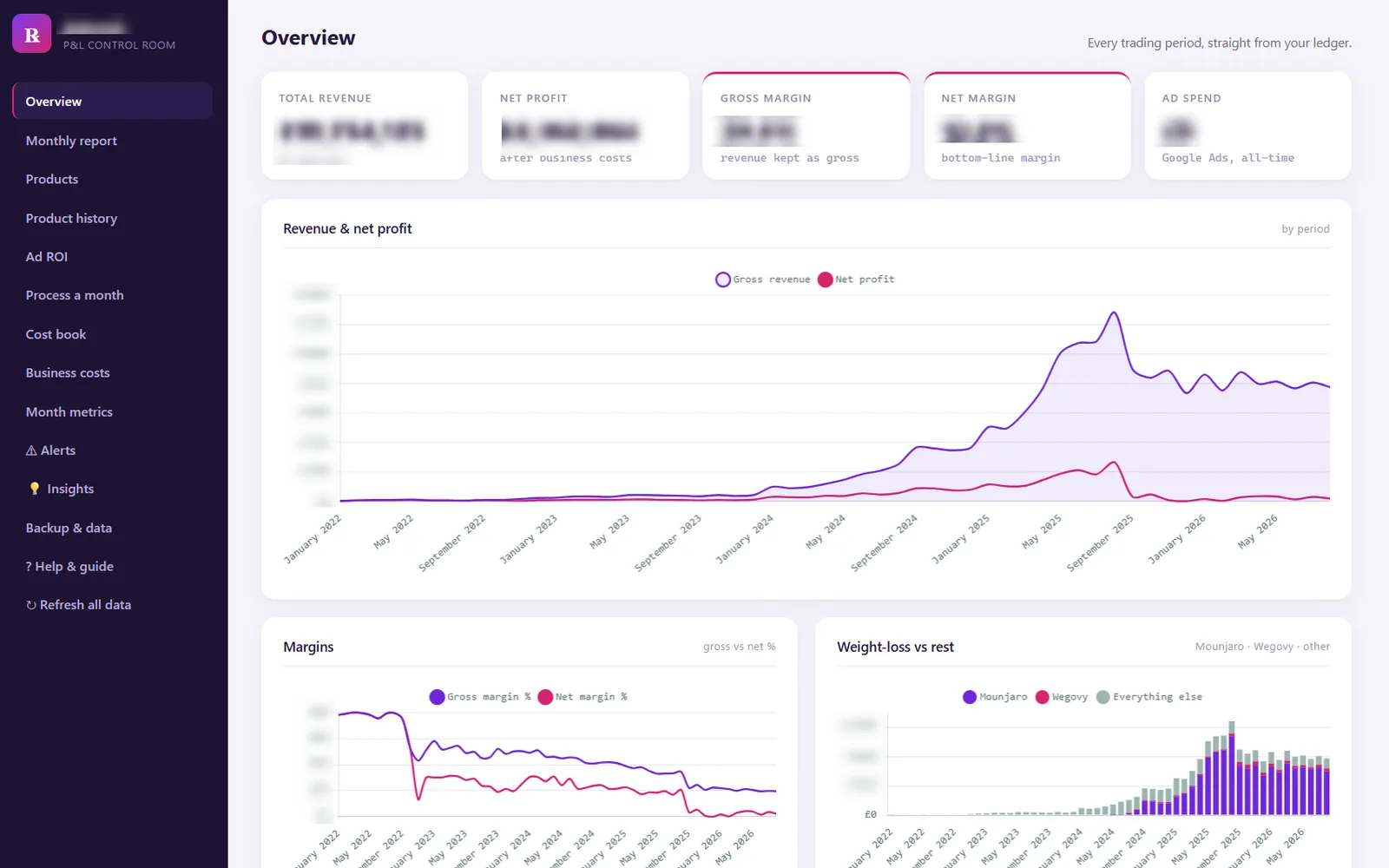
Profit & loss web app for a pharmacy
A custom web application that lets a pharmacy record income and costs and see an up-to-date profit and loss statement at any time.
Intro call
Something similar in mind? Let’s talk.
In a free intro call we clarify what you need, what it costs and when it will be done. No sales pressure.